Image Compressor Tool
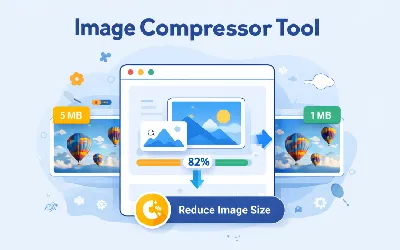
The Image Compressor Tool helps you reduce image file size without losing quality. Optimize your images for faster loading websites, better SEO performance, and improved user experience.
This tool supports JPG, PNG, and WebP formats and is perfect for bloggers, developers, designers, and digital marketers.
Try the Image Compressor Tool
Enter your details below to get started
Loading tool...
What Is an Image Compressor?
An Image Compressor is a tool that reduces the file size of images while maintaining acceptable visual quality. It helps optimize images so they load faster on websites and consume less storage space.
Why Image Compression Is Important
Large images can slow down your website, which negatively impacts user experience and SEO rankings. Compressing images improves performance and reduces load time.
- Faster website loading speed
- Improved SEO rankings
- Better user experience
- Reduced bandwidth usage
- Optimized performance for mobile users
How to Use the Image Compressor Tool
- Upload your image (JPG, PNG, or WebP).
- Click the compress button.
- Wait for the tool to reduce the file size.
- Download the optimized image instantly.
Supported Image Formats
- JPG / JPEG
- PNG
- WebP
Benefits of Using This Tool
- Reduce image size without losing quality
- Improve website speed
- Boost SEO performance
- Free and easy to use
- No signup required
Best Practices for Image Optimization
- Always compress images before uploading
- Use WebP format for better performance
- Resize images to required dimensions
- Avoid uploading large uncompressed images
- Use lazy loading for images
Who Should Use This Tool?
- Bloggers
- Website owners
- Developers
- Graphic designers
- Digital marketers
Conclusion
The Image Compressor Tool is essential for anyone who wants faster websites and better SEO performance. Compress your images instantly and improve your site's speed and user experience./tools