Password Generator
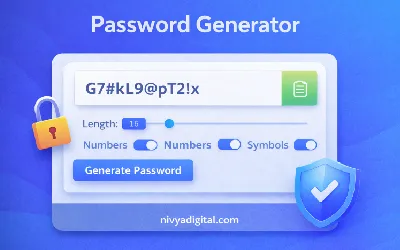
The Password Generator Tool helps you create strong and secure passwords instantly. It generates random passwords using a combination of letters, numbers, and symbols to protect your online accounts.
This tool is useful for developers, website owners, and internet users who want to improve security and avoid using weak passwords.
Try the Password Generator
Enter your details below to get started
Loading tool...
What Is a Password Generator?
A Password Generator is an online tool that creates strong and random passwords automatically. These passwords are designed to be difficult to guess and help protect your online accounts from hackers and cyber attacks.
Instead of creating simple passwords manually, you can use a password generator to create secure passwords in seconds.
Why Strong Passwords Are Important
Weak passwords are one of the most common reasons accounts get hacked. Using strong and complex passwords can significantly improve your online security.
- Protects personal and business accounts
- Prevents hacking attempts
- Improves online security
- Reduces risk of data breaches
- Keeps sensitive information safe
Features of the Password Generator Tool
- Generate random and secure passwords
- Include uppercase and lowercase letters
- Add numbers and special characters
- Customize password length
- Instant password generation
How to Use the Password Generator
- Select the password length.
- Choose options such as numbers, symbols, or uppercase letters.
- Click the generate button.
- Copy the generated password and use it in your account.
Example of a Strong Password
G7#kL9@pT2!x
Strong passwords usually contain a mix of letters, numbers, and symbols to make them difficult to guess.
Best Practices for Creating Secure Passwords
- Use at least 12 characters
- Include uppercase and lowercase letters
- Add numbers and special characters
- Avoid using personal information
- Use different passwords for different accounts
Who Should Use a Password Generator?
- Website owners
- Developers
- Online business owners
- Digital marketers
- Anyone who wants better online security
Benefits of Using This Tool
- Create secure passwords instantly
- Improve online account protection
- Avoid weak and predictable passwords
- Save time creating complex passwords
- Enhance cybersecurity practices
Conclusion
The Password Generator Tool helps you create strong and secure passwords in seconds. By using complex passwords, you can protect your online accounts and reduce the risk of hacking.